
Meet Your New Best Friend: The BERNINA Pinpoint Laser
Oct 01, 2026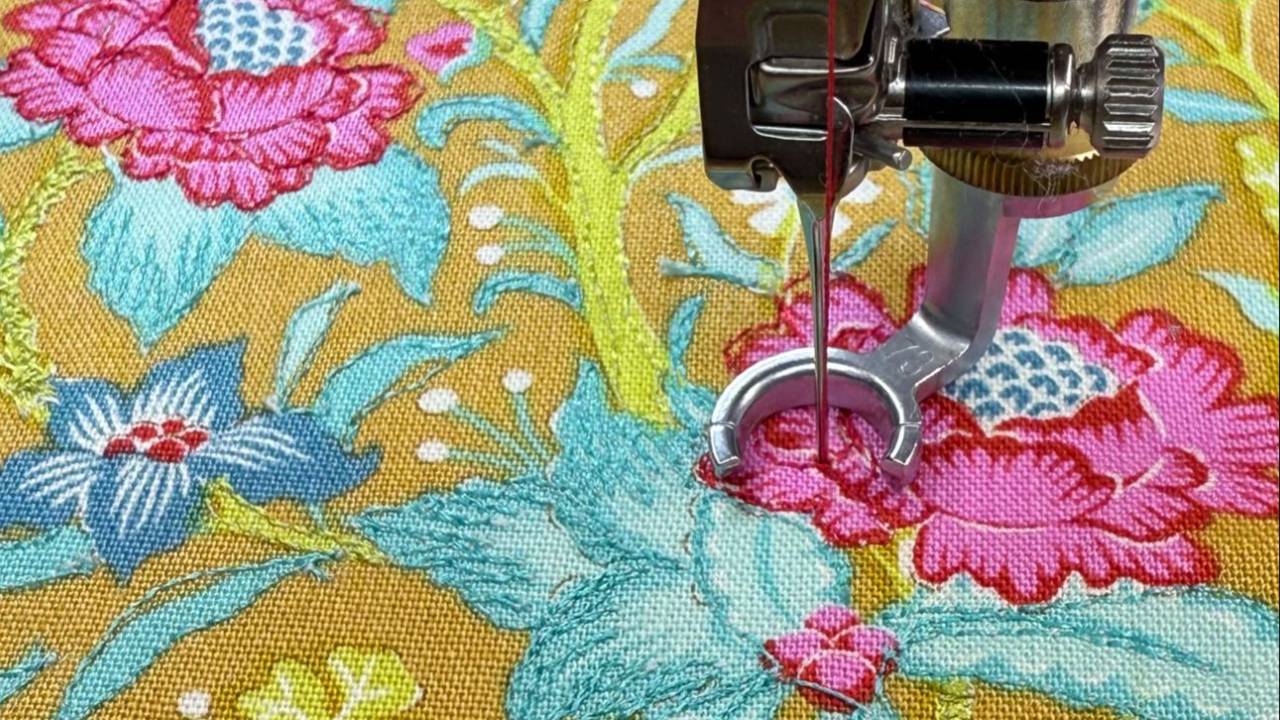
Have you ever held your breath and hoped your needle would land in exactly the right spot...on a seam line, a point, or a marked dot?
You don't have to guess.
With the BERNINA Pinpoint Laser (available on some BERNINA machines), you can see precisely where the needle will hit the fabric before you take a single stitch.
What the BERNINA Pinpoint Laser Does
When the Pinpoint Laser is activated, a tiny red laser dot appears on your fabric projecting the exact landing point of your needle. This provides clear, real‑time accuracy whether you’re sewing, embroidering, or free‑motion quilting.
It works in Sewing Mode, Embroidery Mode and BISR Mode when free-motion sewing with the BERNINA Stitch Regulator and:
-
Shows the precise needle entry point
-
Helps align, place, pivot and stitch with great accuracy
-
Eliminates guesswork and constant “needle‑drop checking”
It's a small feature with a big impact, especially when precision matters.
Use in Sewing Mode
For Perfect Placement of Every Stitch
In Sewing Mode, the Pinpoint Laser helps you start and stop exactly where you intend. Whether you’re topstitching, sewing stitch recipes, piecing quilt blocks, or sewing appliqué, the laser shows you the needle’s landing point before you take a stitch. It's easy, just follow these steps:
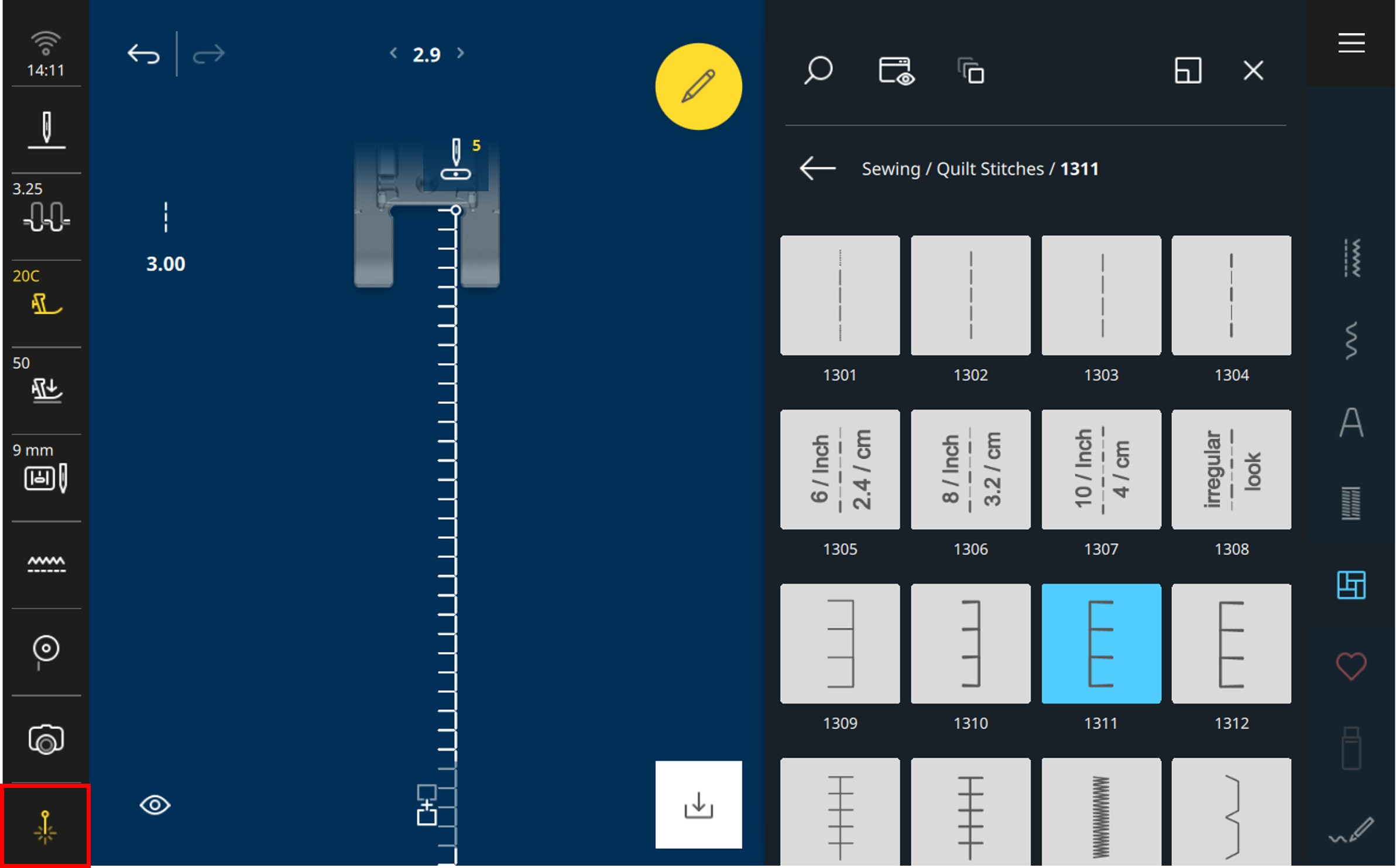
01. Turn on the Pinpoint Laser
Locate the Pinpoint Laser Icon on the bottom of the Status Bar and tap the icon. The Pinpoint Laser will be activated.
02. Position your fabric
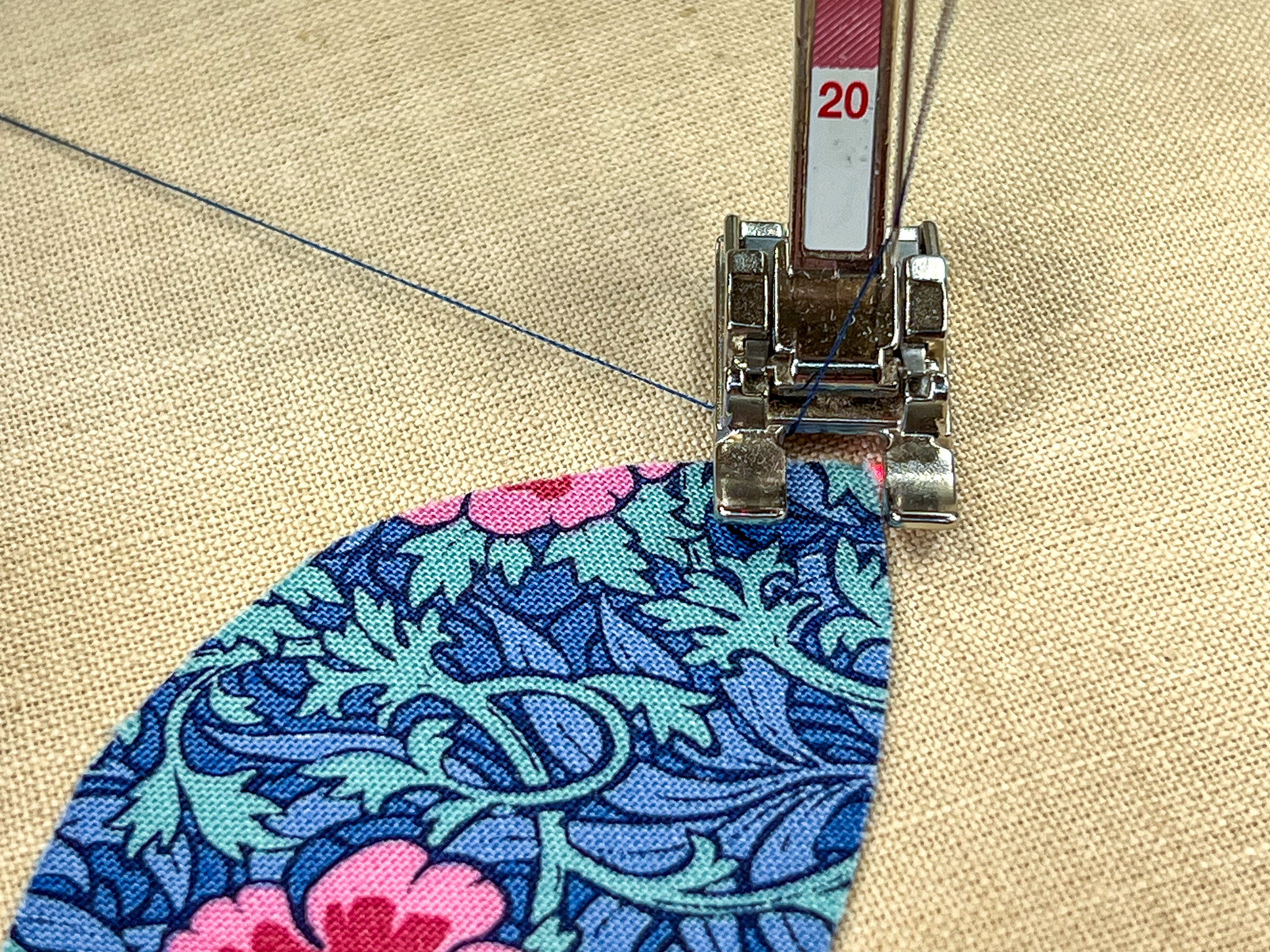
Slide your fabric so the laser dot sits exactly where you want the first stitch to land.
03. Adjust needle position if needed
In Sewing Mode, you can change needle position, and the Pinpoint Laser remains as accurate as when in center needle position. This is especially helpful when appliquéing.
Use in Embroidery Mode
For Exact Design Placement
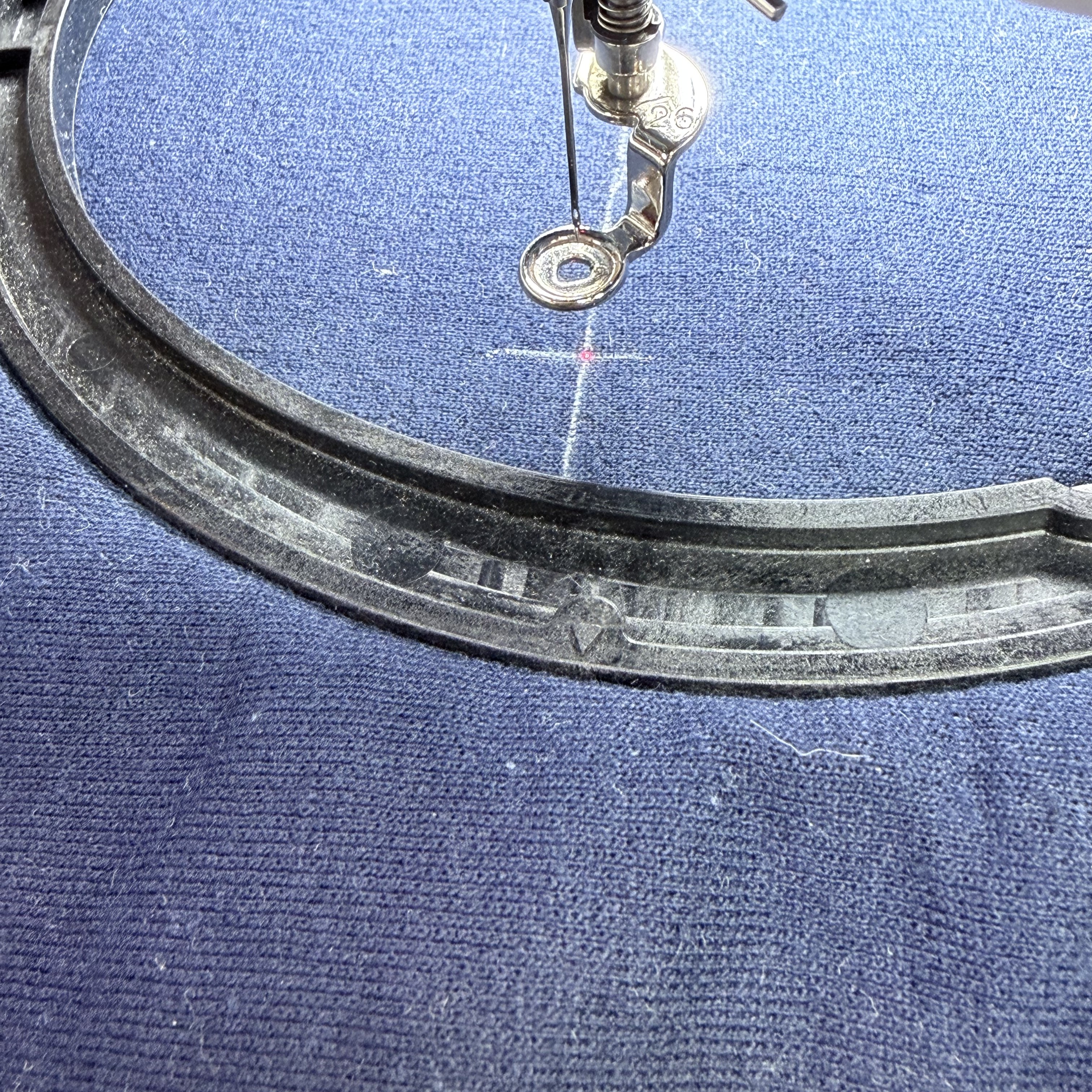
In Embroidery Mode, the Pinpoint Laser is especially helpful when combined the Pinpoint Placement Feature and for locating the Design Center. You can place designs with incredible accuracy, even on tricky areas by moving the hoop until the laser lands on the spot you've marked.
Use in Embroidery Mode when:
- Centering embroidery designs on your project
- Aligning embroidery designs on projects that are not hooped straight
- Morphing and re-sizing quilt block and borders
- Placing Edge-to-Edge Designs
- and more.....
Use when Free-motion Sewing
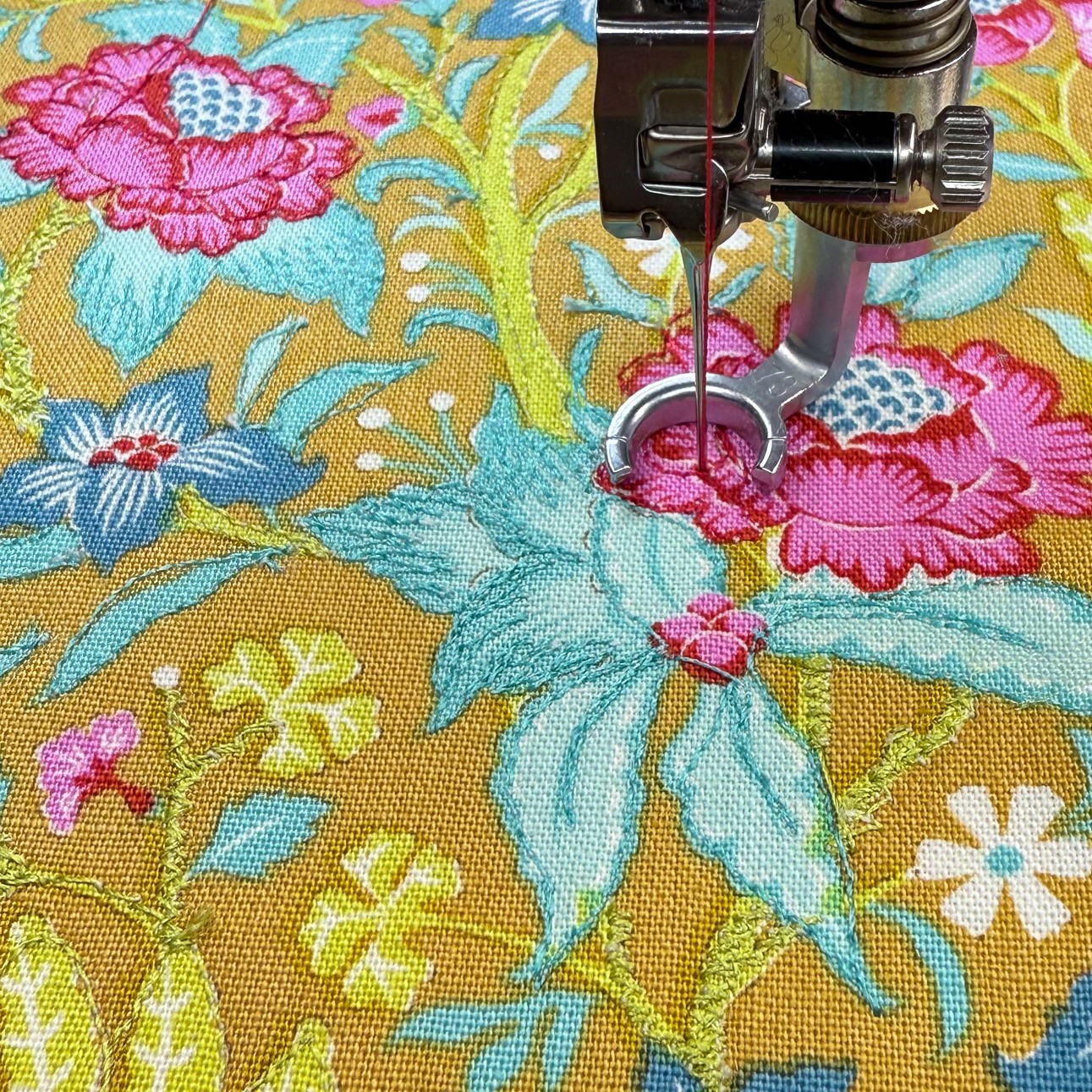
Free‑motion work relies on movement, rhythm, and precise control, and the Pinpoint Laser provides a steady visual guide that keeps your stitching exactly where you want it. As your eyes lead your hands, the Pinpoint Laser marks the true needle entry point, making it easier to:
- Locate the exact start point for bringing the bobbin thread to the top
- Align the needle with the ruler when RulerWork Quilting
- Have accuracy when thread painting, echo quilting or outlining a design on the fabric
Why You'll Love This Feature
Because it makes precision feel easy and give you a clear visible guide. The BERNINA Pinpoint Laser speeds up your workflow, improves accuracy and boosts confidence when you're working on detailed projects.
Discover Stitch Maker Classes and explore our hands-on Stitch Exercises—your path to mastering BERNINA techniques with creativity and confidence
Join Stitch Maker's Email List
Stay in the loop with all things Stitch Maker!
Get notified whenever a new learning tool launches so you never miss an opportunity to grow your skills.