
Sewing Stitches Overview Class
Effortless Stitch Selection
Stitch Perfection
Professional Finishing Touches
Introducing
Sewing Stitches Overview Class
A class that offers clear explanations of the built-in stitches, their purpose and how to use them.
A Look Inside the Modules in Our Class
The Sewing Stitches Overview Class consists of the following learning modules for 4, 5, 7 or 8 Series Machines.
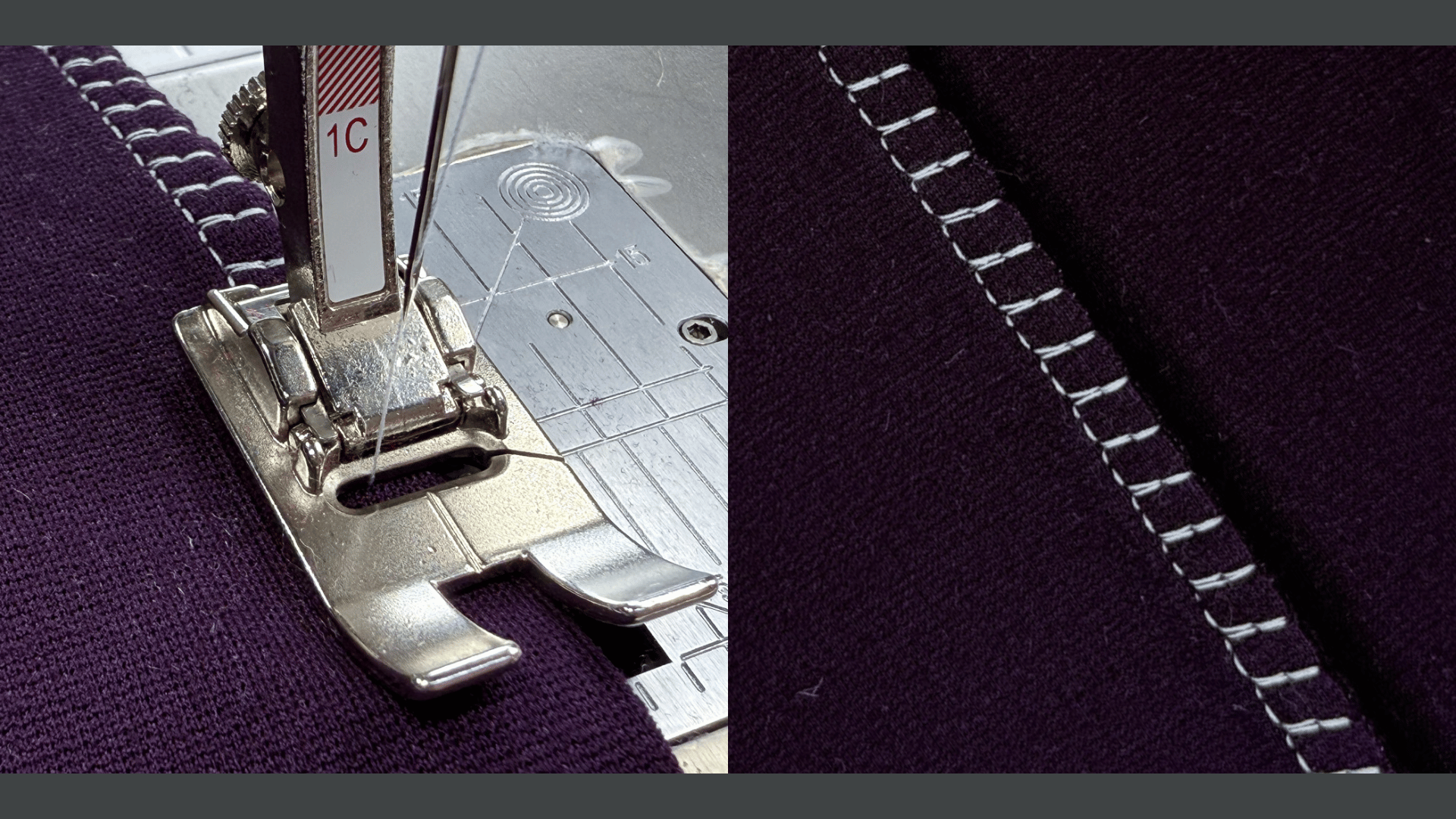
Module 01. Practical Stitches
Discover the everyday stitches that form the backbone of your sewing projects. This module will cover practical stitches for seams and hems, as well as those used for attaching elastic, creating gathers, basting and more.
Lessons in Module 01:
- Seams
- Hems
- Elastic, Gathers & Basting
- Bar Tacks & Fly Stitches
- Darning & Mending
Total Lesson Time: 25 Minutes
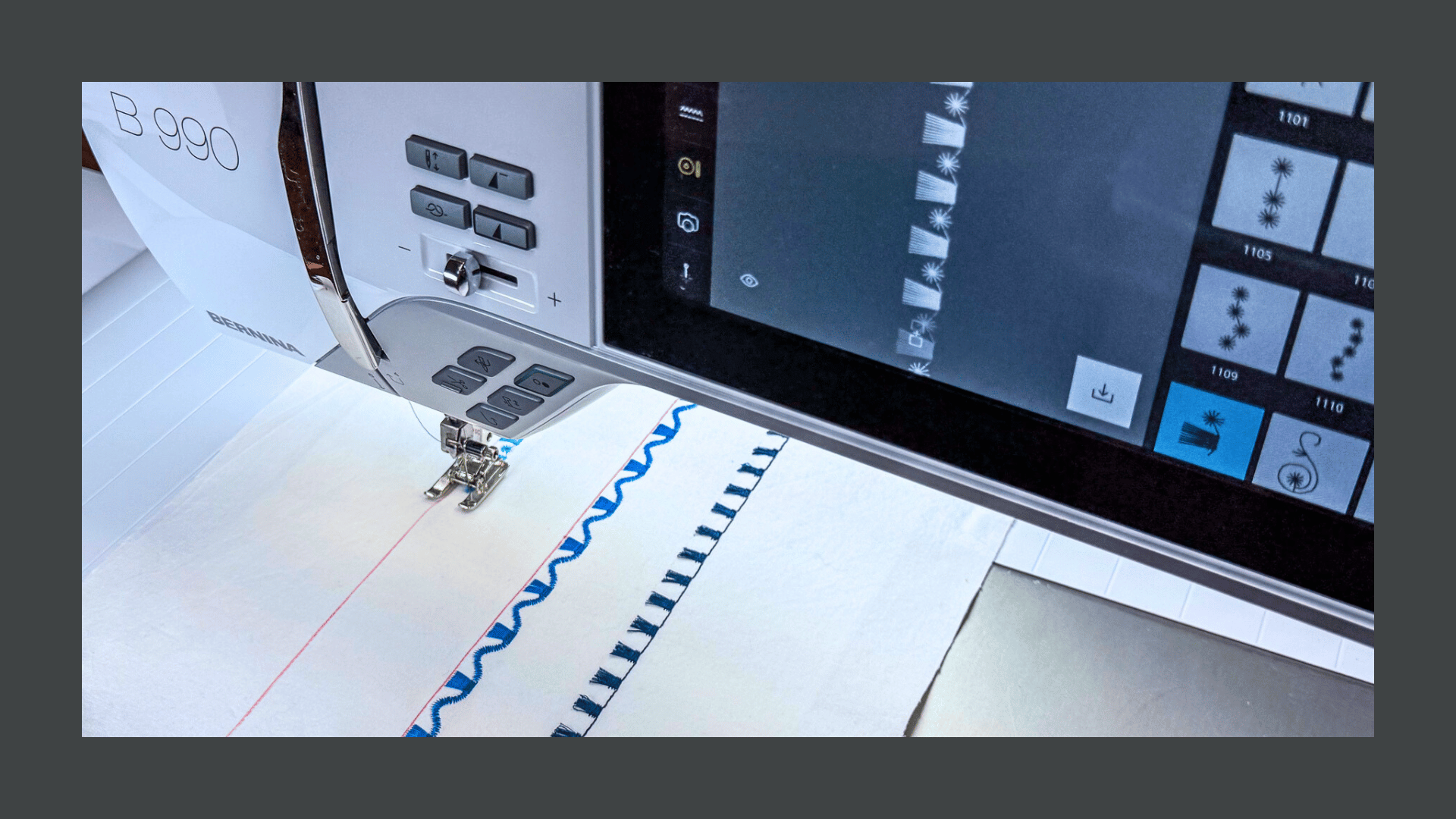
Module 02. Decorative Stitch Patterns
It’s all about the Stitches. Satin Stitches, Open Stitches, Sideways Motion, Decorative and Quilt Stitches, and more. We will cover them all complete with helpful sewing tips.
Lessons in Module 02:
- Open & Satin Stitches
- Sideways Motion Stitches
- Quilt Stitches
Total Lesson Time: 14 Minutes
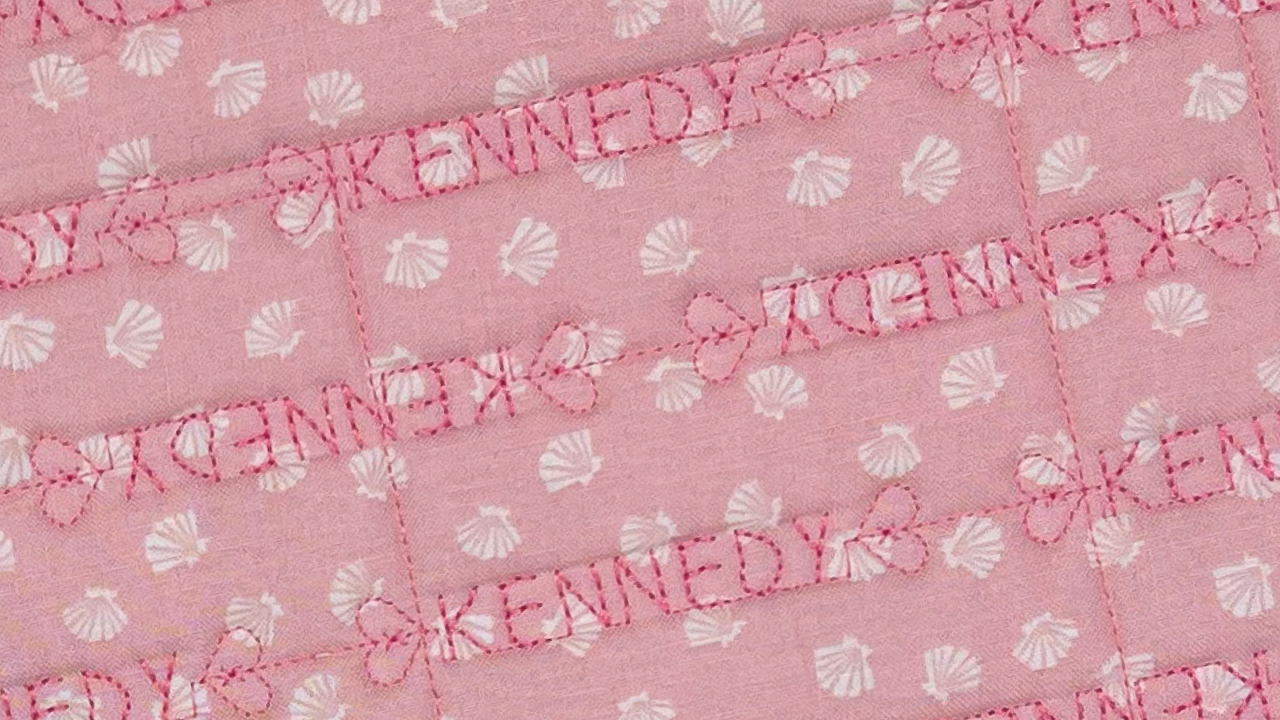
Module 03. Alphabets
Whether you're adding a heartfelt message or a label to your quilt, the Alphabets Folder is your go-to for creative customization. Dive into the available font styles and discover how Combi Mode lets you program any combination of letters and numbers, to make your project truly personal.
Lessons in Module 03:
- Font Styles
- Program Words
Total Lesson Time: 8 Minutes
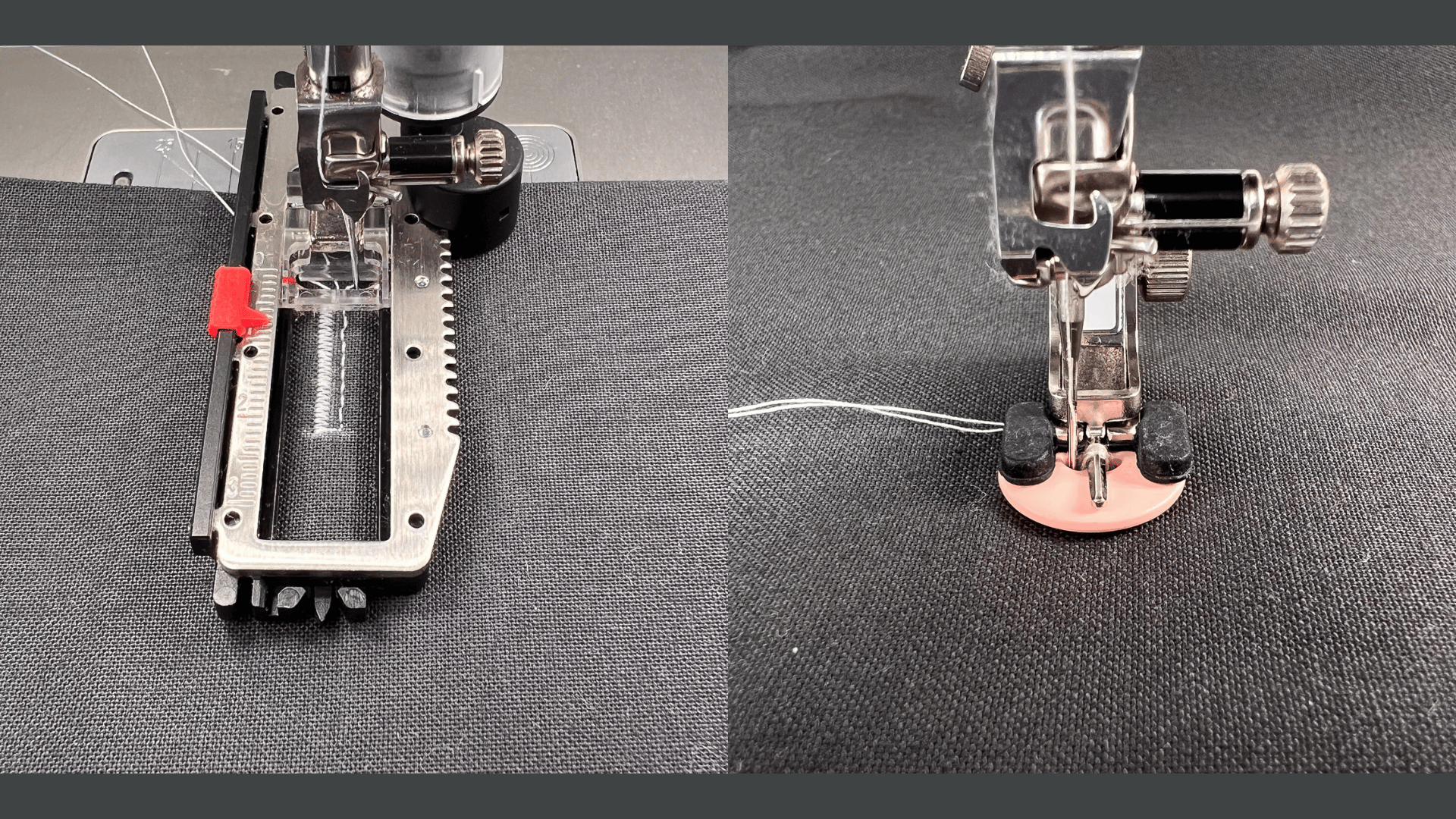
Module 04. Buttonholes
With numerous buttonhole options it can be challenging to determine when to use each one. Let us guide you through the process. Learn how to choose the best buttonhole for your fabric and project, program the length in various ways and adjust the slit width.
Lessons in Module 04:
- The Buttonhole Folder
- Buttonhole Feet & Accessories
- Programming & Sewing Buttonholes
- Button Sew-on Program & Corded Buttonholes
Total Lesson Time: 27 Minutes
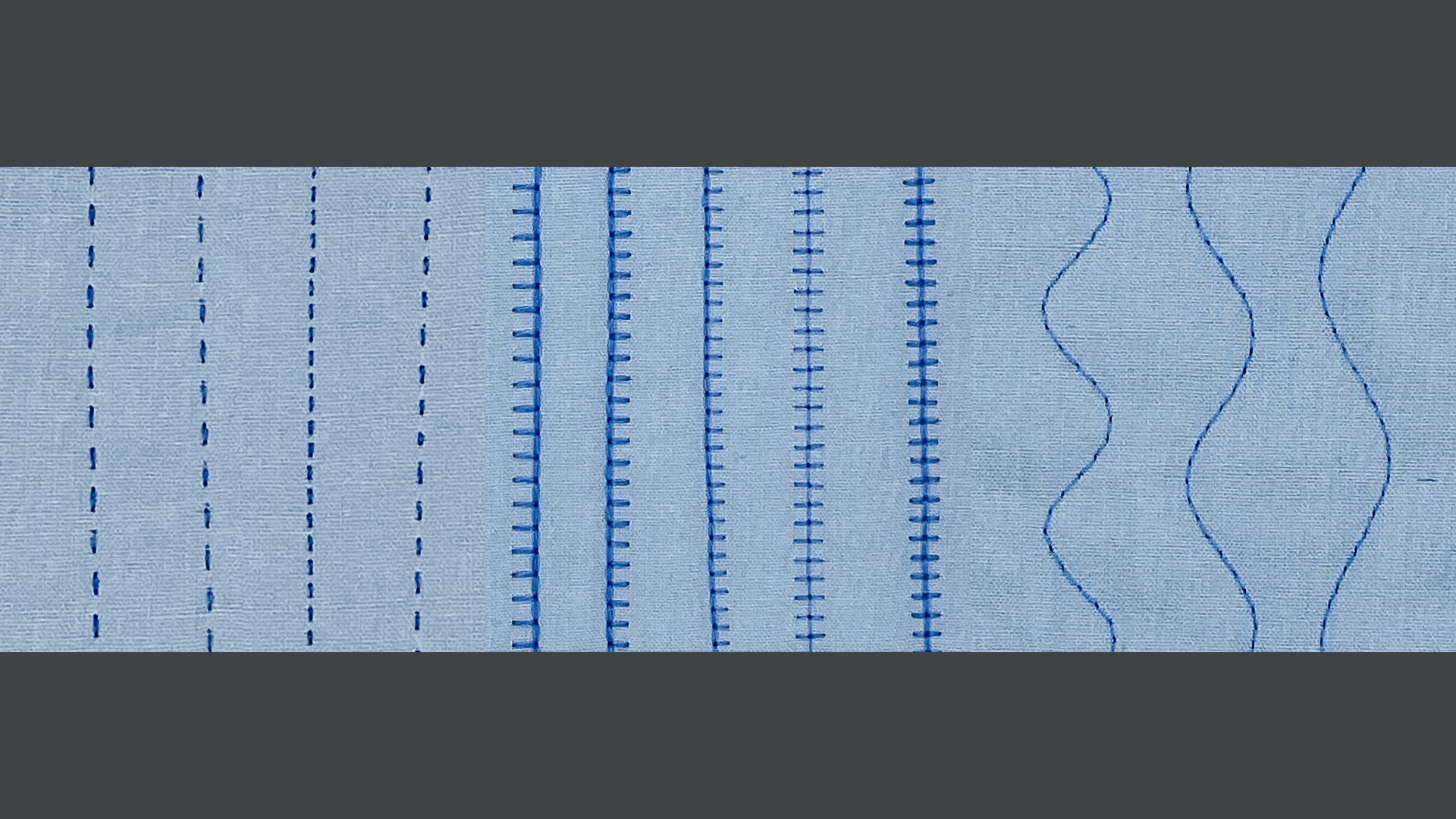
Module 05. Quilt Stitches
Open up the Quilt Folder and explore stitch options for piecing, quilting, and applique. You will learn to select the ideal stitch with confidence, achieving professional quilting results every time.
Lessons in Module 05:
- Quilting & Piecing Stitches
- Applique' & Embellishment Stitches
Total Lesson Time: 8 Minutes
Let's Get Started!
Enroll Today!
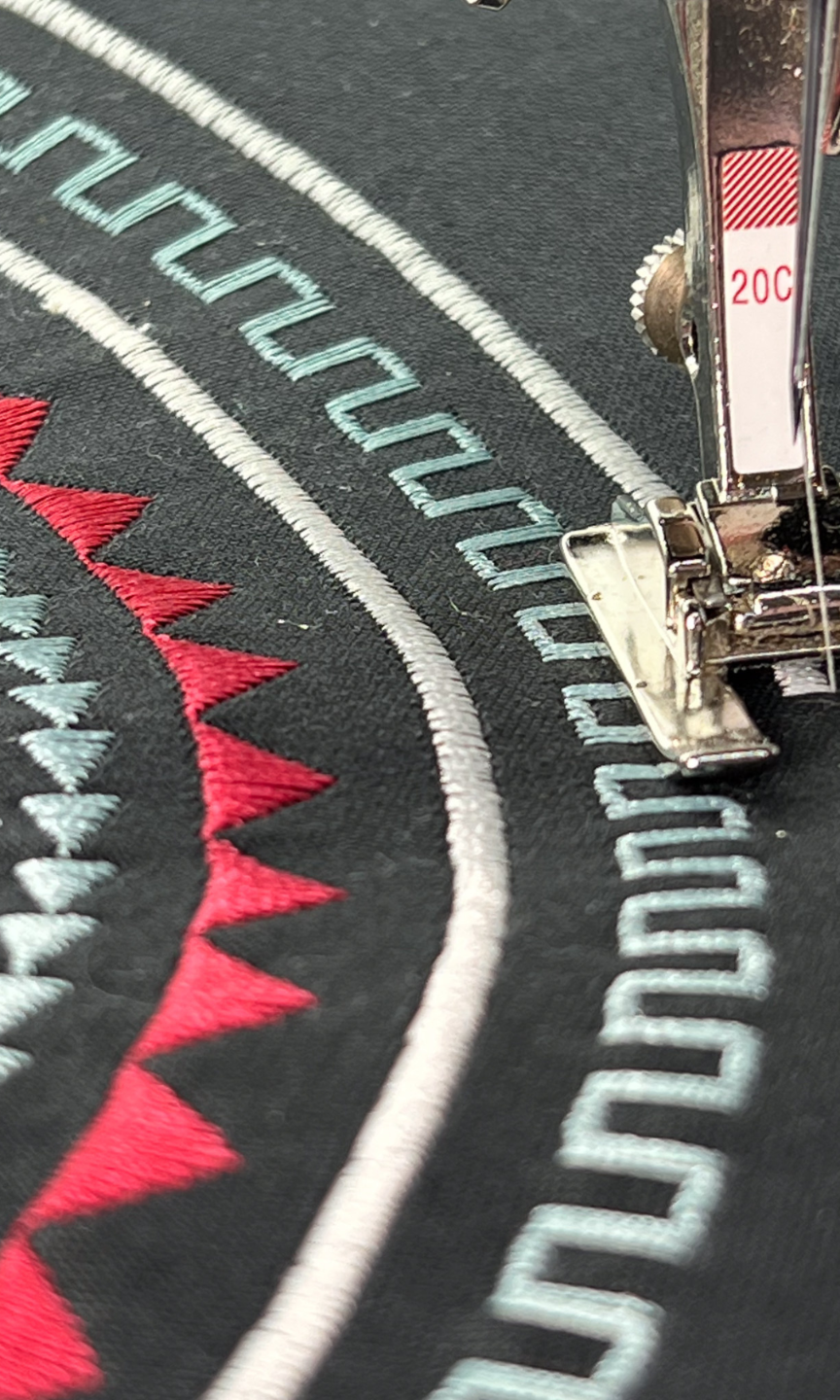
By the end of this class, you will:
Take another step toward conquering your BERNINA.
- Learn to quickly identify and choose the best stitch for the sewing task.
- Fine tune and perfect each stitch with confidence and ease.
- Create a flawless and polished finish on every project.
The Process
01.
Click on Enroll Now to head to the checkout page—complete your transaction. If you do not have a Stitch Maker account, you will be prompted to create an account and password.
02.
Once enrolled, you’ll land in My Library—this is where every class you’ve registered for will appear and where you will go to return to your class at a later time.
Simply select your class to get started. You’ll enjoy two full years of access, so you can learn at your own pace and revisit the lessons anytime.
03.
If you have questions while you’re stitching—or you simply want to connect with others taking Stitch Maker Classes—join the conversation in the Stitch Maker Class Community. You can jump in right from your course dashboard, or go to My Library and select Stitch Maker Class Community to head straight there.
It’s the perfect place to learn, share, and stay inspired.