B 990 Embroidery Mode Essentials Class
Get familiar with the essential functions of Embroidery Mode.
Edit Like a Pro
Place with Precision
Stitch to Perfection
Let's Master Embroidery
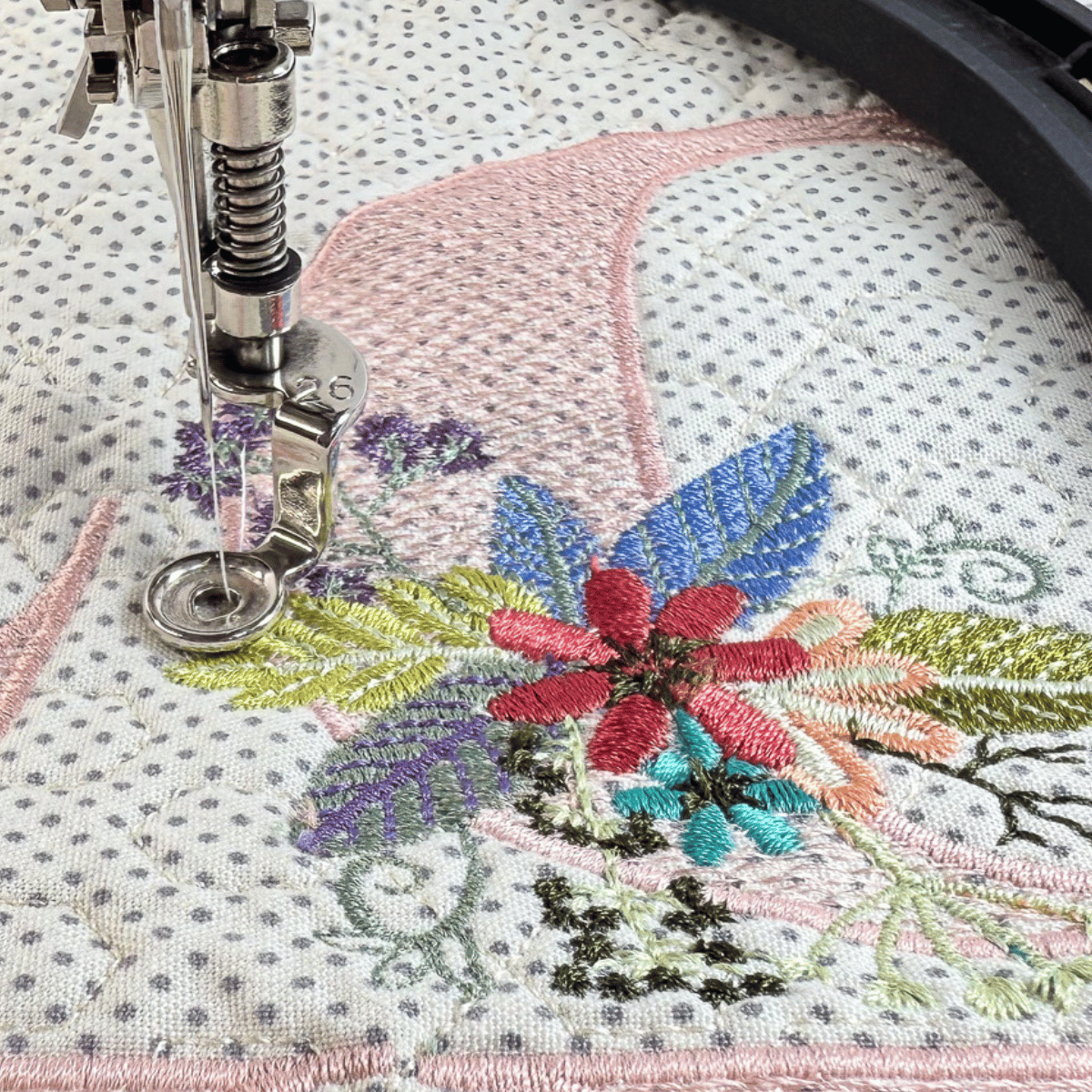
Mastering Embroidery Mode on your BERNINA 990 starts with understanding the features and knowing exactly where they are and when to use them. Learn to navigate Embroidery Mode step‑by‑step so you can embroider confidently, efficiently, and professionally—expert‑level results made simple.
It's easier than you think. Let's get started.
Introducing
B 990 Embroidery Mode Essentials Class
The Embroidery Mode Essentials Class is a key class in helping you master your BERNINA 990
Begin your journey into embroidery and computerized quilting with the Embroidery Mode Essentials Class. This class is designed to familiarize you with the essential functions of the Embroidery Mode, making the embroidery process easier and growing your confidence as you explore Embroidery Mode.
A Look Inside the Modules in Our Class
The Embroidery Mode Essentials Class consists of the following five Learning Modules.
Module 01. Status Bar
The Status Bar keeps tabs on key embroidery functions—learn about the functions, how to customize them and how to identify how they are set. It’s your go-to guide for smooth embroidery.
Video Lessons in Module 01.
- WiFi Connectivity
- Upper Thread Tension
- Presser Foot Status
- Hoop Status
- Stitch Plate & Needle Status
- Feed Dog & Bobbin Thread Indicator
- Camera
- Laser
Total Video Time: 18 Minutes
Module 02. Embroidery Screen
Take the mystery out of the B 990’s Embroidery Screen icons. Learn what each icon on the screen means, what it controls, and how it helps you embroider more efficiently. No more guessing—just confident tapping and stitching ahead.
Video Lessons in Module 02.
- Undo/Redo & Info Box
- View Function
- Edit, Stitchout & Save Function
- Context Menu
- Layer Bar
Total Video Time: 12 Minutes
Module 03. File Manager
Learn to load and manage your embroidery designs using the B 990’s built-in File Manager. Quickly navigate to the right folder, find the perfect design, and stay organized.
Video Lessons in Module 03.
- Selection Area & Quick Access Bar
- Toolbar
- Navigation Bar
Total Video Time: 11 Minutes
Module 04. Design Formats
Not all design files are created equal—and your B 990 knows it. Learn which embroidery and quilt file formats your machine reads, and why the right format leads to quality stitching and professional results. We’ll break down the tech talk so you can choose designs with confidence and embroider like a pro.
Video Lessons in Module 04.
- EXP Format
- BQM Format
- Lettering Format
Total Video Time: 8 Minutes
Module 05. Save & Manage Designs
Learn step-by-step how to save, organize, and transfer your designs like a pro. Build a tidy, intuitive file system in your B 990’s File Manager—making it easy to find exactly what you need, exactly when you need it. No more digging, just designing.
Video Lessons in Module 05.
- Save Designs
- Manage Designs
- Transfer Designs
Total Video Time: 18 Minutes
Let's Get Started!
Enroll in the B 990 Embroidery Mode Essentials Class or save with the B 990 Master Class Bundle, featuring all six classes at a special discounted price.
By the end of this class you will...
take another step toward mastering your BERNINA
- Master the Status Bar & Embroidery Screen Functions
- Navigate the File Manager to efficiently locate, view, save and organize your embroidery & quilt designs.
- Know the best design format to choose for embroidery and quilt designs.
The Process
01.
Click on Enroll Now to head to the checkout page—complete your transaction. If you do not have a Stitch Maker account, you will be prompted to create an account and password.
02.
Once enrolled, you’ll land in My Library—this is where every class you’ve registered for will appear and where you will go to return to your class at a later time.
Simply select your class to get started. You’ll enjoy two full years of access, so you can learn at your own pace and revisit the lessons anytime.
03.
If you have questions while you’re stitching—or you simply want to connect with others taking Stitch Maker Classes—join the conversation in the Stitch Maker Class Community. You can jump in right from your course dashboard, or go to My Library and select Stitch Maker Class Community to head straight there.
It’s the perfect place to learn, share, and stay inspired.