
B 990 Custom Stitches Class
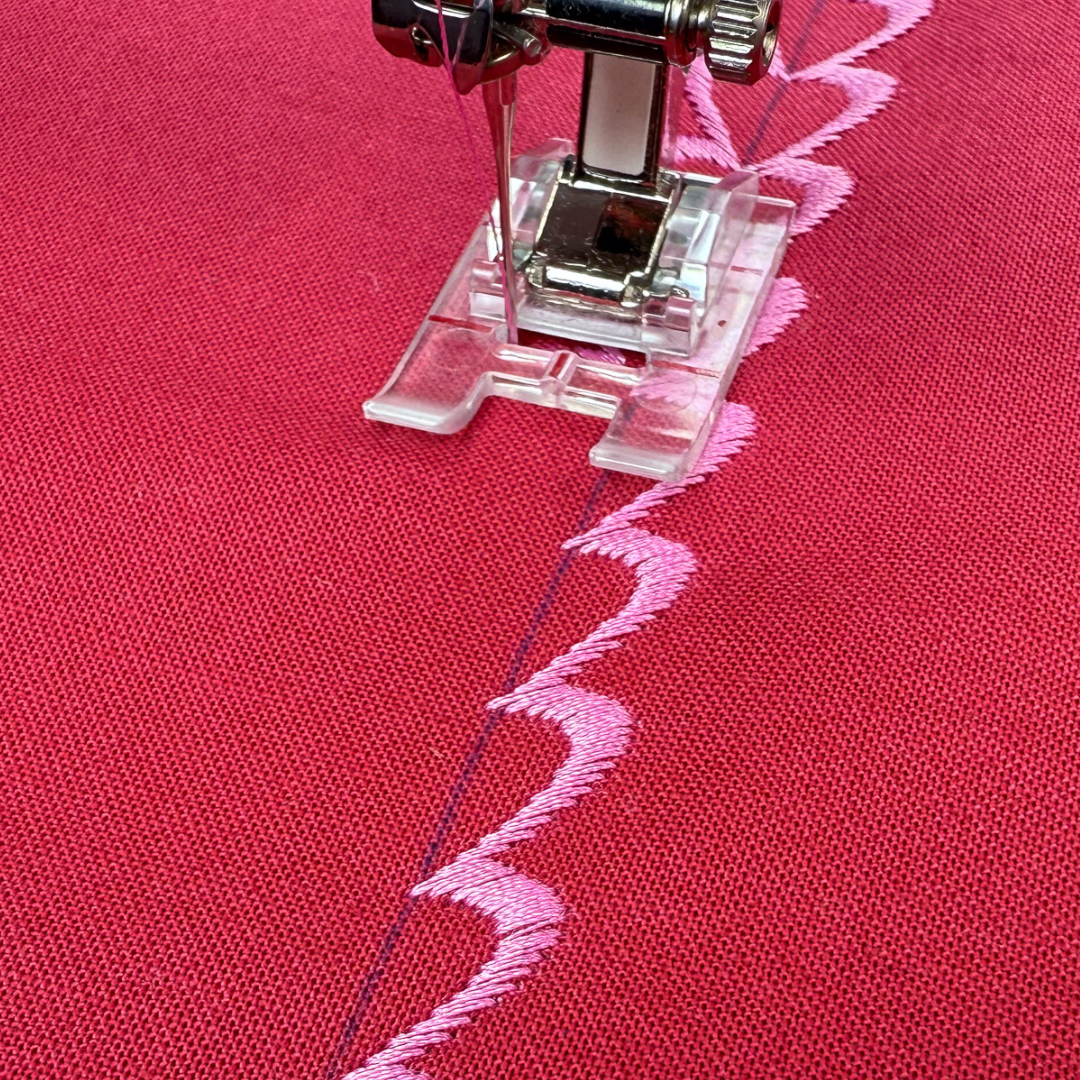
Create stitch patterns that are uniquely yours and leave ordinary behind!
Design & Refine Stitches
Master Advanced Features
Imagination to Creation
Ready to Leave Ordinary Behind?
Introducing
B 990 Custom Stitches Class
Unlock your creative potential with this class, dedicated to designing and crafting custom stitches on your BERNINA 990. You’ll master a range of powerful features, including the Editing and Optimization tools, Combi Mode Function, and Stitch Designer Program. Whether you’re enhancing existing stitch patterns or creating entirely new designs, this course will guide you step by step to produce professional-quality results with your B 990.
A Look Inside the Modules in Our Class
The B 990 Custom Stitches Class consists of the following learning modules.
Module 01. Editing Tools
Discover how to modify built-in stitch patterns with the Editing Tools to create new designs. This module explores the following functions in the Edit Menu.
Lessons in Module 01:
- Repeat
- Mirror
- Triple Stitch
- Jumbo Stitch
- Long Stitch
- Directional Sewing
- Stitch Counter
- Distort
- Reverse/Backstep
Total Lesson Time: 25 Minutes
Module 02. Optimize
Learn techniques to refine your stitches with precision. This module covers adjusting stitch density, stitch balance and Dual Feed alignment to ensure smooth, flawless results on any fabric.
Lessons in Module 02.
- Balance
- Dual Feed
- Stitch Density
Total Lesson Time: 7 Minutes
Module 03. Combi Mode
Unlock the power of Combi Mode to combine stitch patterns creatively. This module teaches how to create a sequence of stitches seamlessly, producing personalized rows of stitch patterns, words and phrases.
Lessons in Module 03.
- Getting Started
- Basic Customizations
- Selection Options
- Unify Width, Unify Length
- Move
- Stop, Tie-off, Thread Cut,
- Repeat
Total Lesson Time: 18 Minutes
Module 04. Stitch Designer
Go beyond default settings with the Stitch Designer Program. This module guides you through editing, moving and adding or deleting stitch points offering limitless creative possibilities directly on your BERNINA 990.
Lessons in Module 04.
- Stitch Design Area
- View Function
- Selection Options, Move & Draw
- Stitch Information
- Edit Functions
- Stitch Pattern Creation
Total Lesson Time: 24 Minutes
Let's Get Started!
Enroll in the B 990 Custom Stitches Class or save with the B 990 Master Class Bundle, featuring all six courses at a special discounted price.
By the end of this class, you will:
Take another step toward conquering your BERNINA.
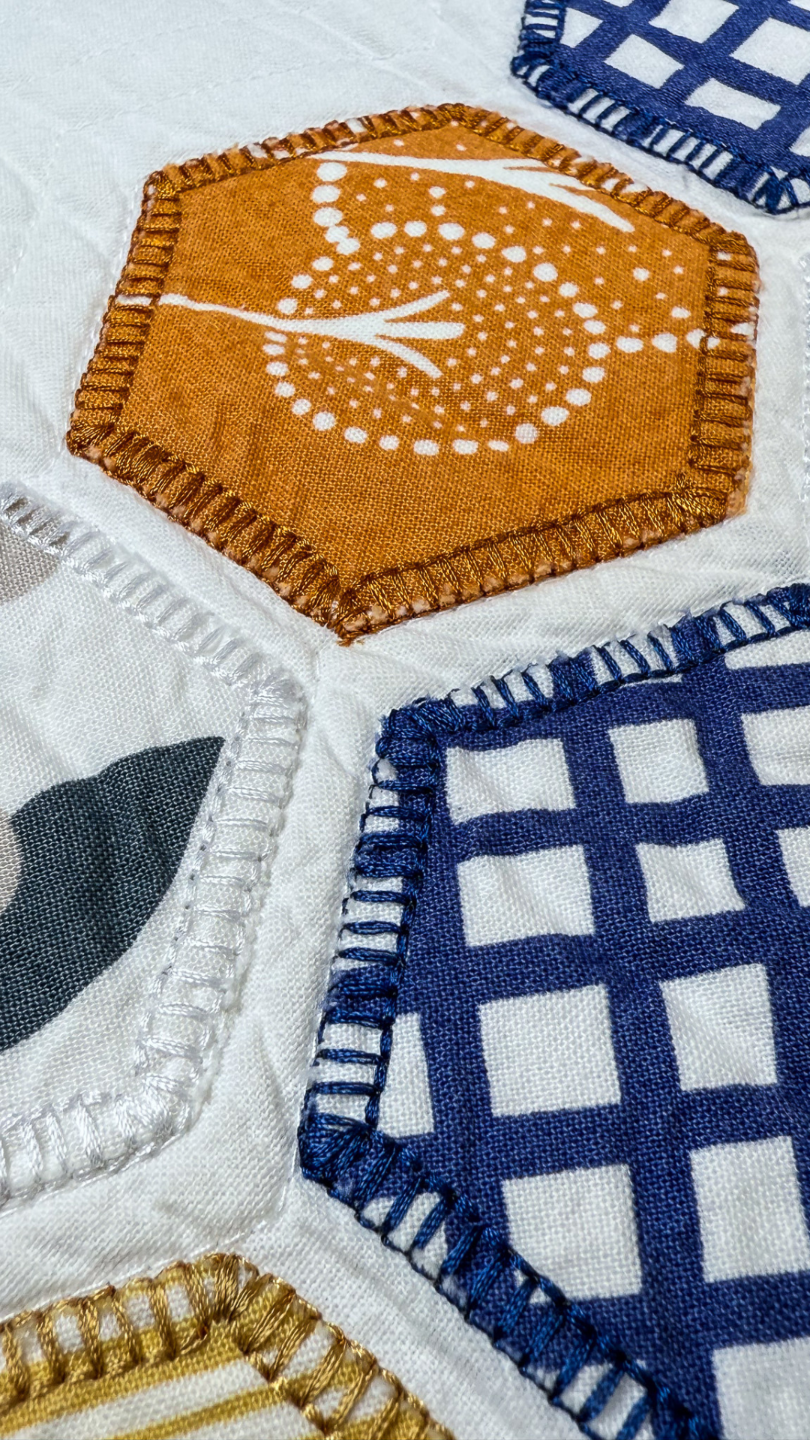
- Design and refine stitch patterns using Editing and Optimization tools.
- Master the Combi Mode Feature and Stitch Designer Program.
- Bring your unique vision to life.
The Process
01.
Click on Enroll to head to the checkout page—complete your transaction. If you do not have a Stitch Maker account, you will be prompted to create an account and password.
02.
Once enrolled, you’ll land in My Library—this is where every class you’ve registered for will appear and where you will go to return to your class at a later time.
Simply select your class to get started. You’ll enjoy two full years of access, so you can learn at your own pace and revisit the lessons anytime.
03.
If you have questions while you’re stitching—or you simply want to connect with others taking Stitch Maker Classes—join the conversation in the Stitch Maker Class Community. You can jump in right from your course dashboard, or go to My Library and select Stitch Maker Class Community to head straight there.
It’s the perfect place to learn, share, and stay inspired.